

Native IPTV player
Take the
front row.
Bring your own playlist. ChannelLoft puts live TV, movies and series on your Mac, iPhone and iPad.
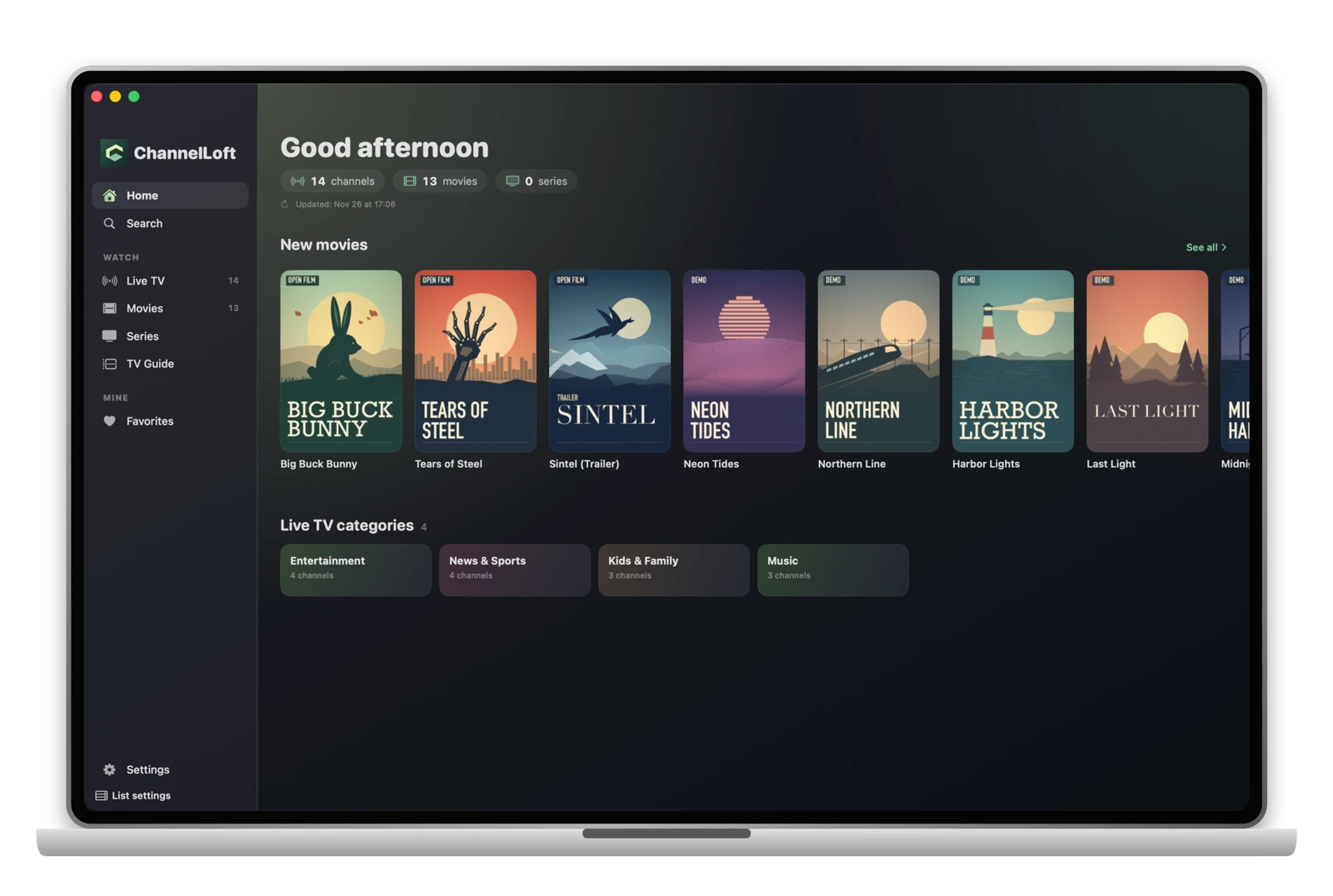
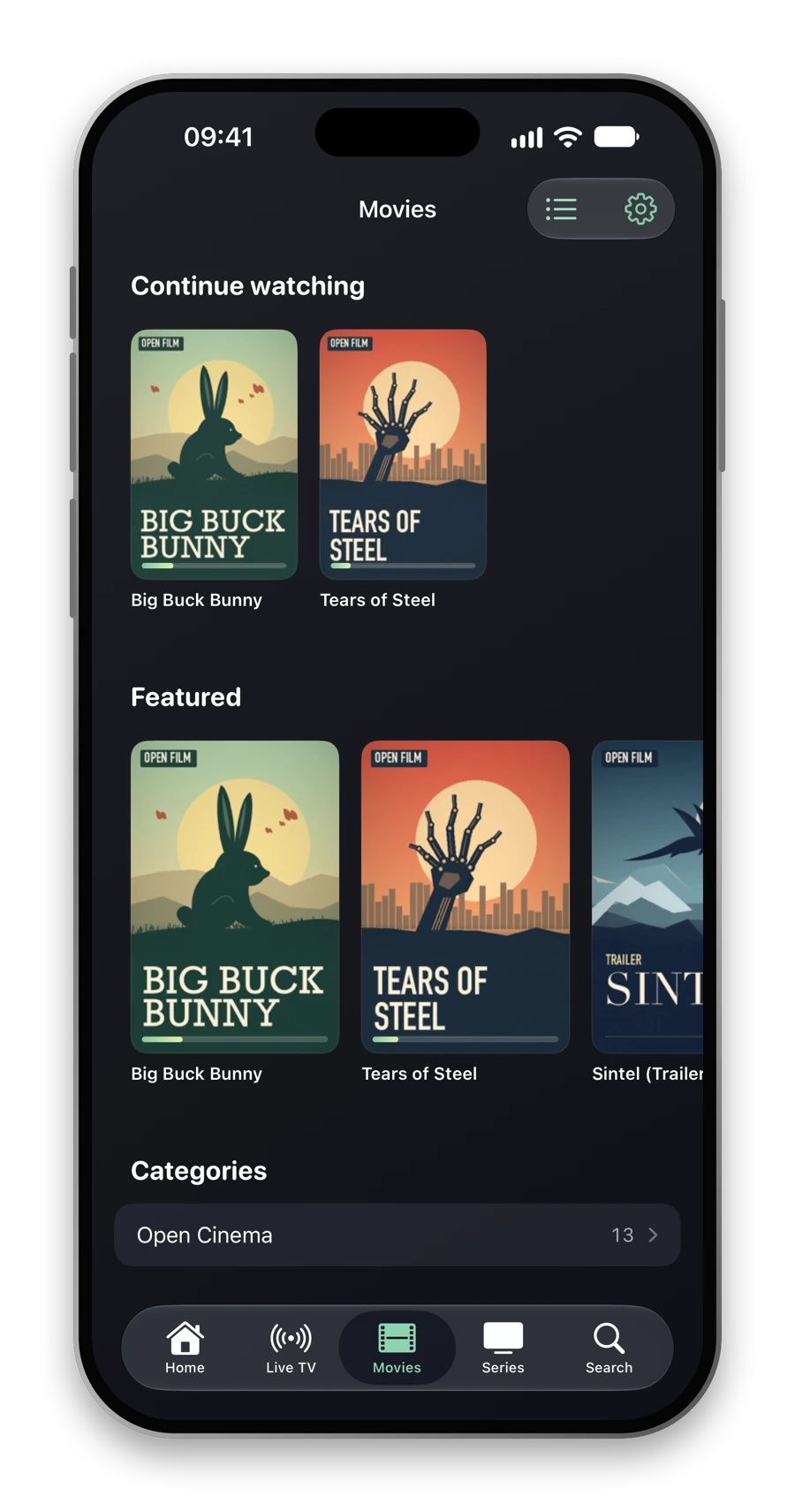
Demo library
Inside the collection.
Three open films from the optional demo playlist. Add your own source to build your library in ChannelLoft.

Big Buck Bunny


Sintel


Tears of Steel

The native app
Find your screen.
Real ChannelLoft screens from the public demo. Explore the layouts for desktop, tablet, phone and the foldable simulator.
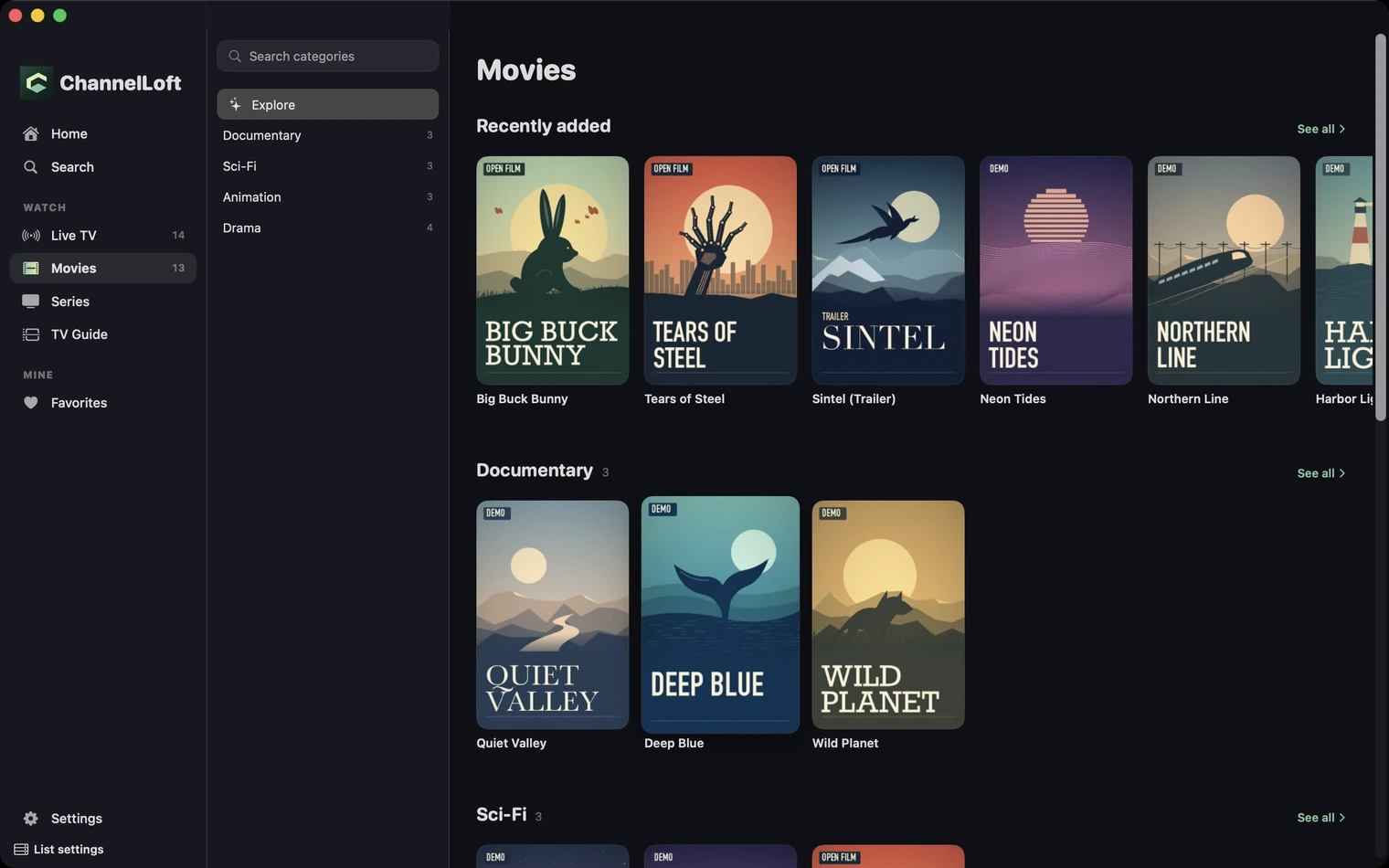
Browse in widescreen
Use the sidebar to move between live TV, films and the program guide. Switch to theater mode when the film begins.
A pocket-sized library
Browse movie shelves upright, then rotate your iPhone for full-screen playback.
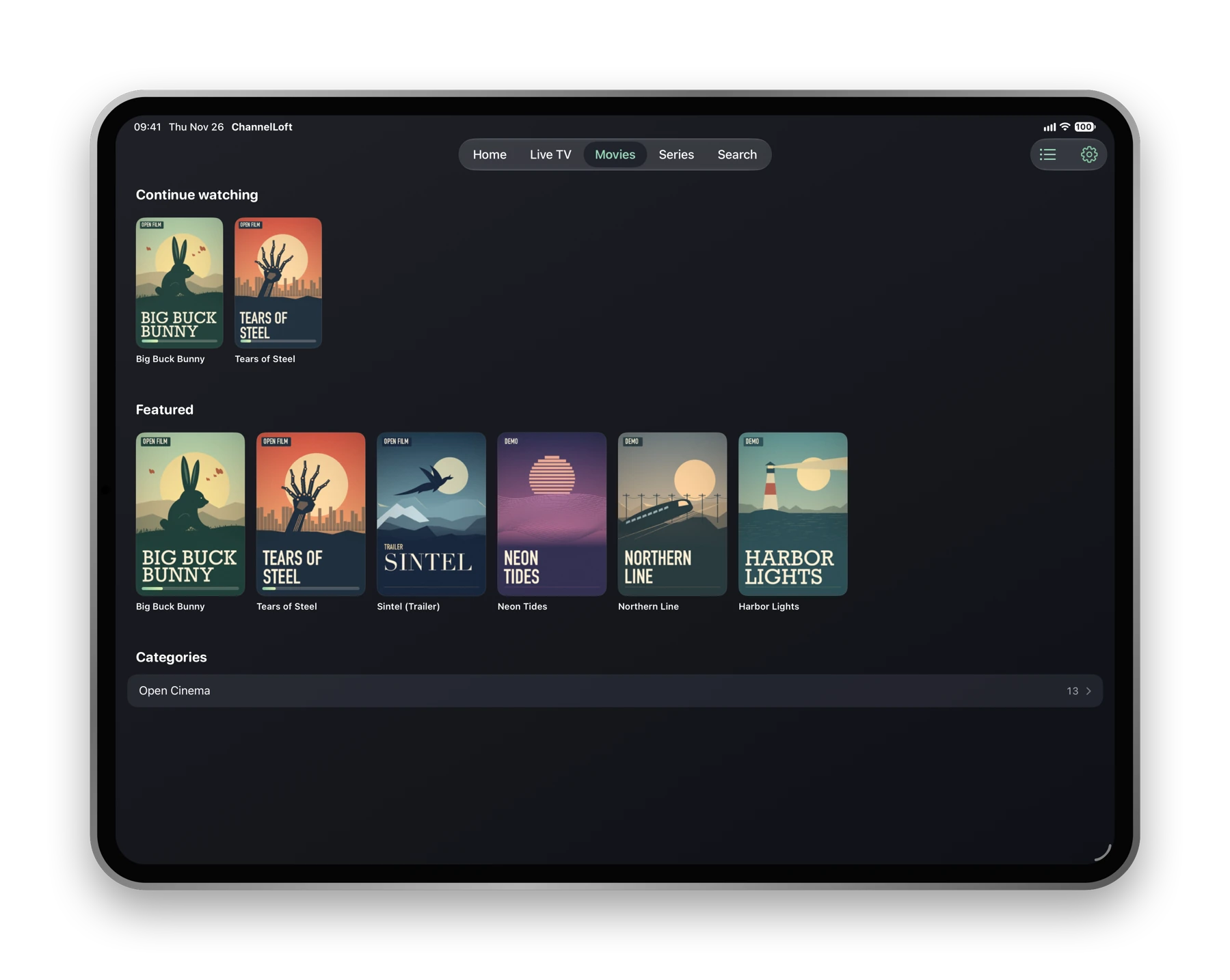
Room for every poster
Explore categories on the larger canvas and watch in either orientation. Your recent titles stay close at hand.
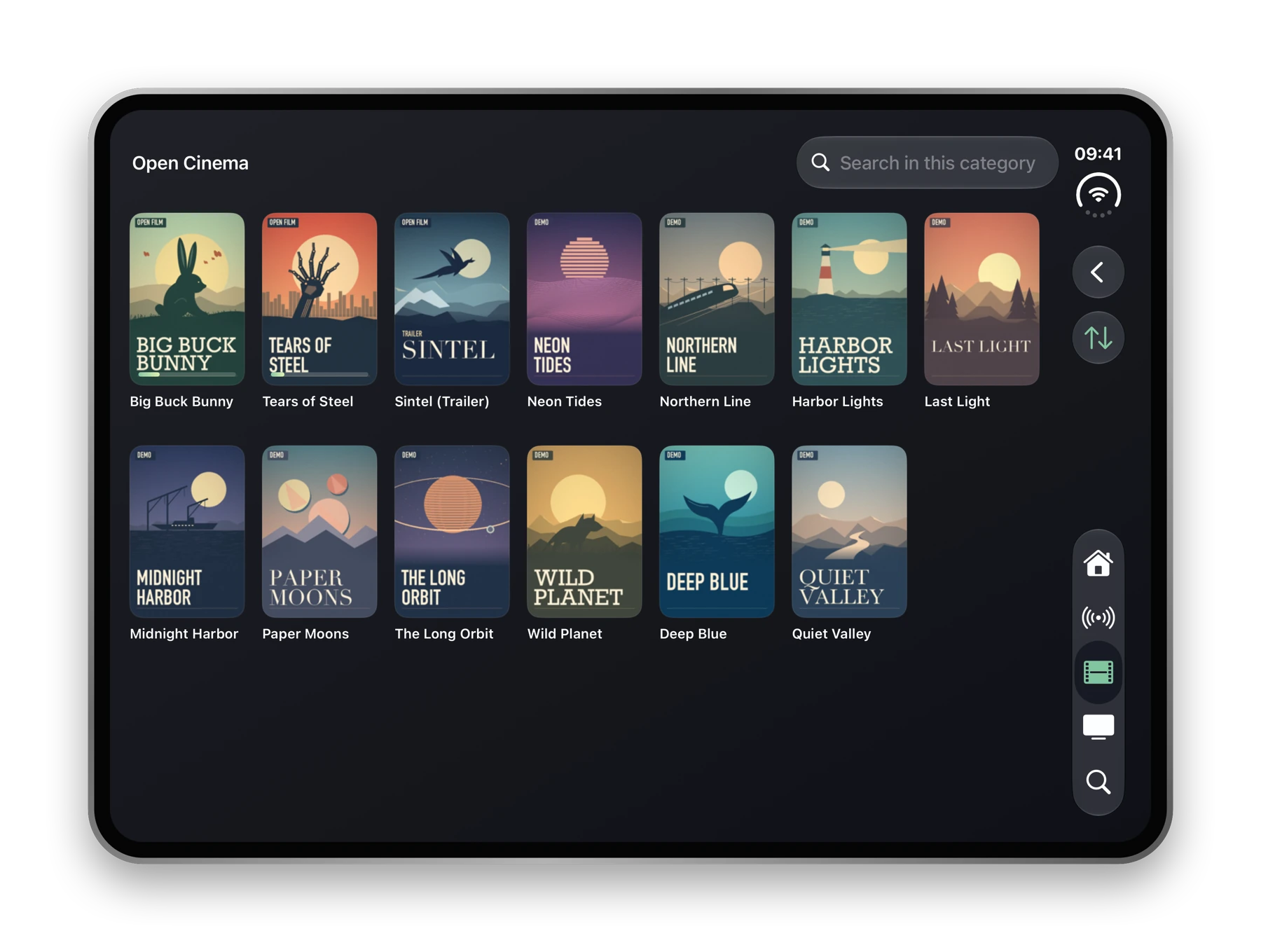
Open up the view
Preview the same app on the cover and inner displays of the iPhone Duo simulator.
Playback
Settle into the picture.
Watch in theater mode or picture-in-picture on Mac. Return to unfinished films and episodes from Continue Watching. Live guide listings depend on your source.
Player help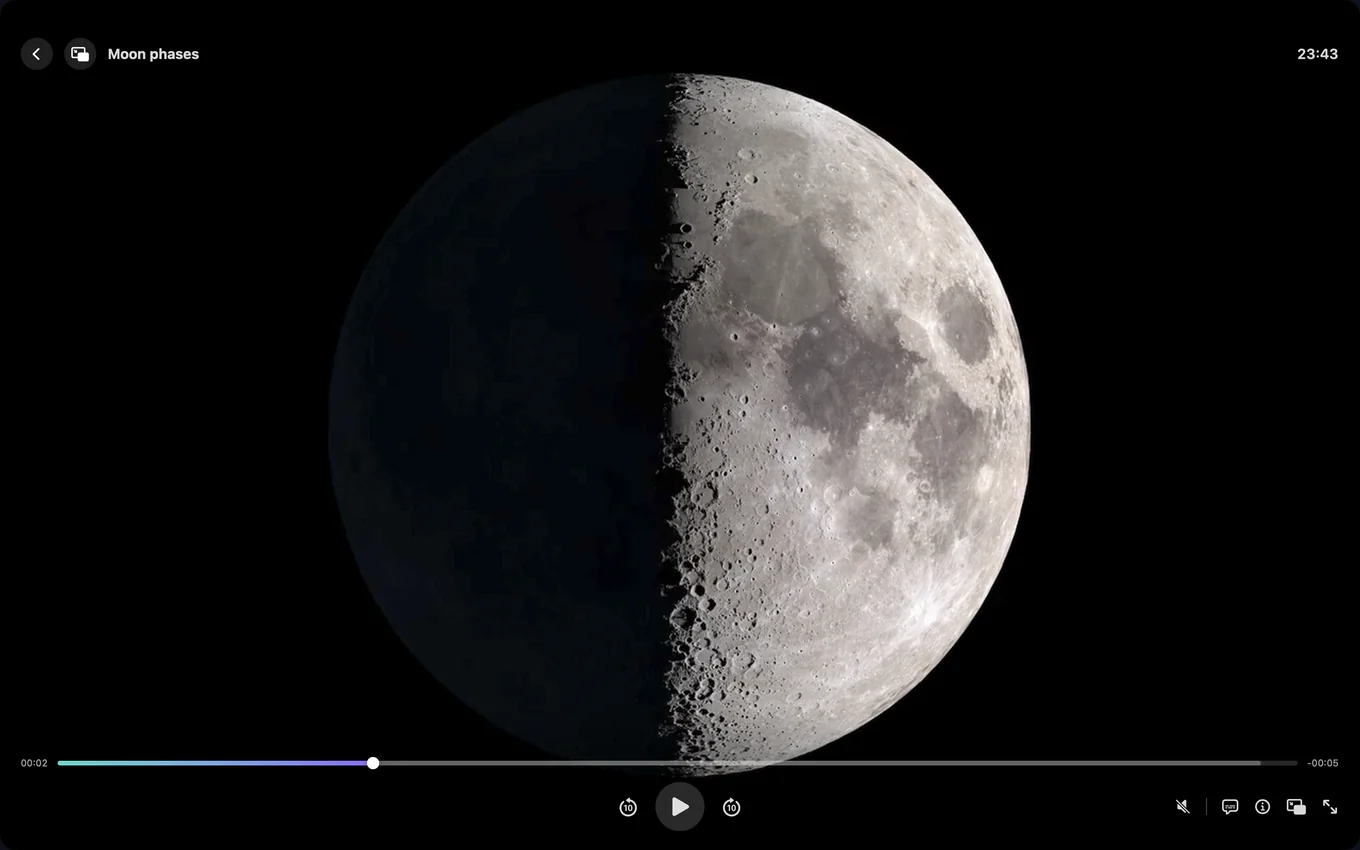
Getting started
Bring your playlist.
ChannelLoft plays media from sources you are authorized to use. TV channels and subscriptions come from your provider.
Demo playlist- On first launch, choose Continue twice to reach Connect your list. Later, use Add list in Settings.
- Paste an M3U or M3U8 link, enter your Xtream Codes details, or select Try the demo playlist.
- Select a title or a live channel to begin playback.